


Introducing StarryKit
Meet the AI design workspace that turns a prompt into structured visual content you can edit directly and continue refining with AI.

Thanks for clicking in!
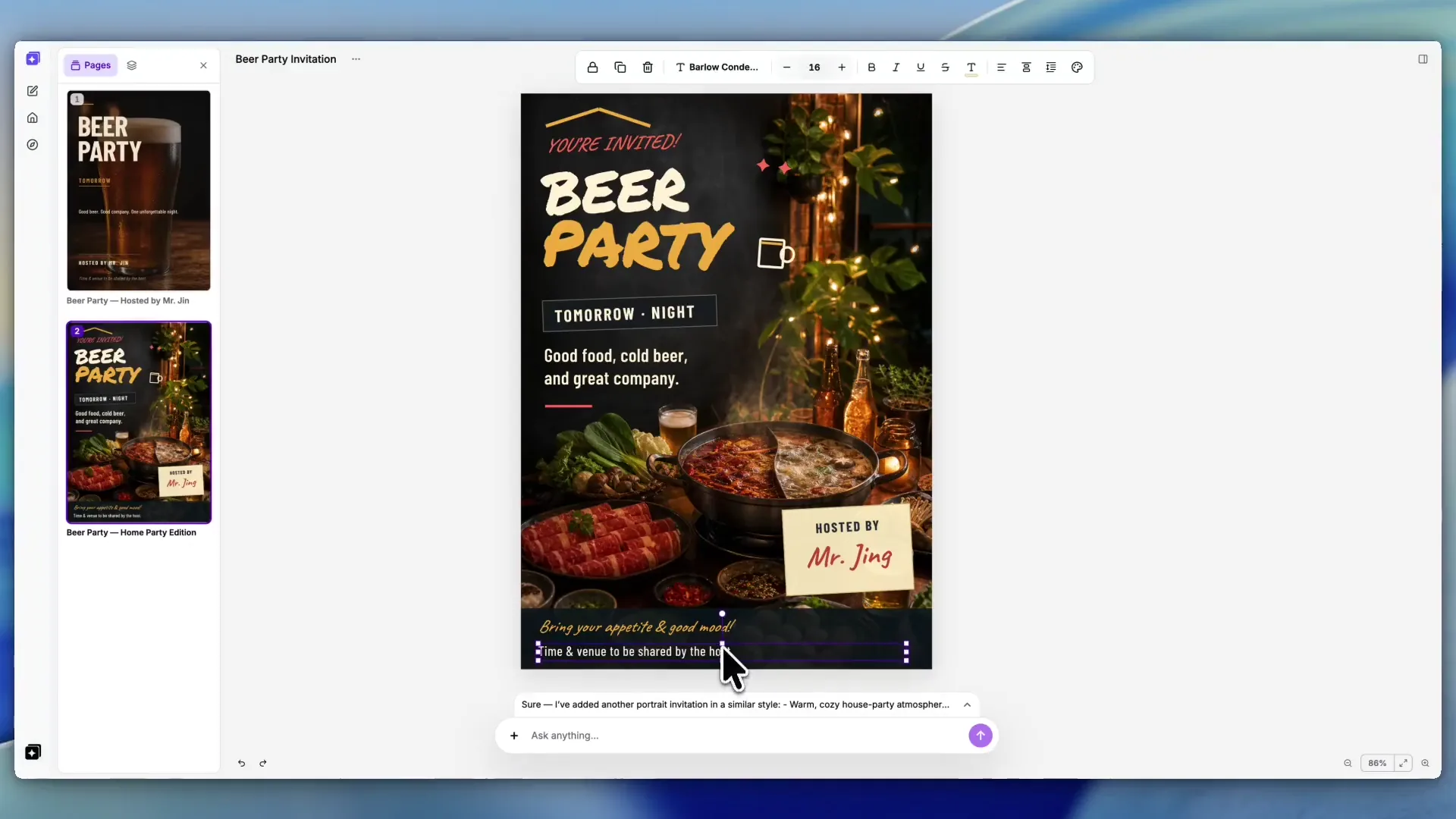
After almost three months of building, I'm finally releasing the beta version of StarryKit: an AI workspace for creating editable visual documents from a simple prompt.
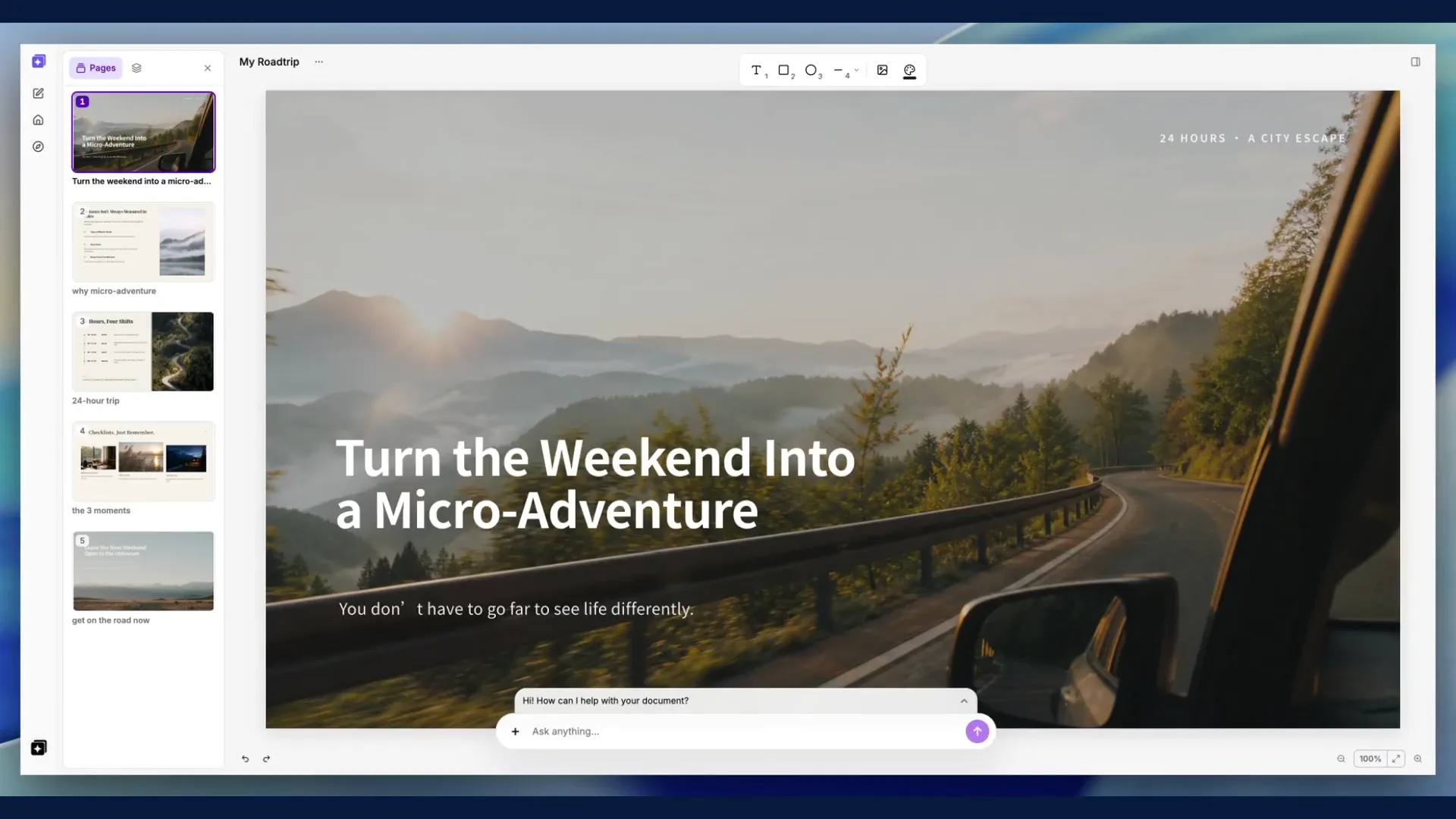
With StarryKit, you can create presentations, posters, one-pagers, business cards, Open Graph images, UI mockups, flyers, emails, and many other visual materials you want to make beautifully and quickly.
How I Started
I started with a much narrower idea: a tool for making editable presentations.
My first attempt was an open-source project called Starry Slides. The idea was to let Codex generate HTML-based presentations. Instead of giving the AI the full power of CSS, I constrained it to a smaller subset so I could map the result back into editable elements on a canvas.
It worked to some extent, but not well enough.
I shipped the first version and then quickly realized that HTML could not be the source of truth for this kind of product. If I wanted visual documents to stay flexible, editable, and exportable to different formats, they needed to be described in a more native and structured way.
And more importantly, in the AI era, the document format itself needs to be AI-friendly.
That's when I started building StarryKit.
StarryKit: An AI Workspace for Visual Document Workflows
I call it a workflow, but in reality, I want it to feel very simple.
People are getting used to writing or speaking into a prompt box and letting AI help them move faster. Instead of searching for templates, paying for them, and manually adjusting every detail just to communicate an idea, it has become natural to ask AI to turn an idea into something usable.
That's the same philosophy I had in mind when building StarryKit.
I don't want AI to only generate a static image that looks good but cannot be edited. I want it to create a real visual document: something structured, editable, and still open to more AI refinement.
From a Prompt to a Finished Document
The StarryKit workflow is simple:
- Describe what you want. Start with the audience, message, format, and visual direction in your own words, then hit send.
- Edit it on the canvas. Adjust copy, images, colors, and layout in the Editor instead of asking AI to regenerate everything from scratch.
- Refine it with AI. Continue the conversation when you want a different direction, clearer content, or another iteration.
- Export and share. Move the result into formats such as PPTX, Google Slides, PDF, SVG, PNG, JPEG, or a self-contained HTML presentation.
This workflow has already helped me build many things for my own project, from the pitch deck to Open Graph images to parts of the marketing website. I hope it can help you in your work as well.
Who Is It For
StarryKit is for anyone who needs polished visual communication materials without constantly switching between different AI tools and design apps:
-
Founders creating pitch decks, launch materials, investor updates, and one-pagers
-
Marketers creating campaign visuals, social posts, ads, and presentations
-
Students and educators creating presentations, posters, handouts, and class materials
-
Small teams producing sales, event, and promotional materials
-
Content creators turning ideas into visual assets for different channels
What Beta Means
This is an early Beta, not the finished version of StarryKit.
Some complex layouts will still need manual adjustment. Export fidelity can vary by format. Parts of the workflow are still more desktop-first than I want them to be.
But the core experience is ready to try: describe what you want, get a structured visual document, keep editing it on the canvas, and refine it with AI when needed.
What you create, where the result falls short, and which editing step feels difficult will help me decide what to improve next.
If this sounds useful to you, I'd love for you to try it.
Create your first visual document for free, explore the Gallery, or send me feedback.